
SOLIDWORKS Flow Simulation Training

Provides an in-depth session on the basics of turbulent fluid flow analysis, in addition to covering meshing concerns, modeling concerns, analysis, post-processing, available options and preferences.
SOLIDWORKS Simulation Dynamics Training
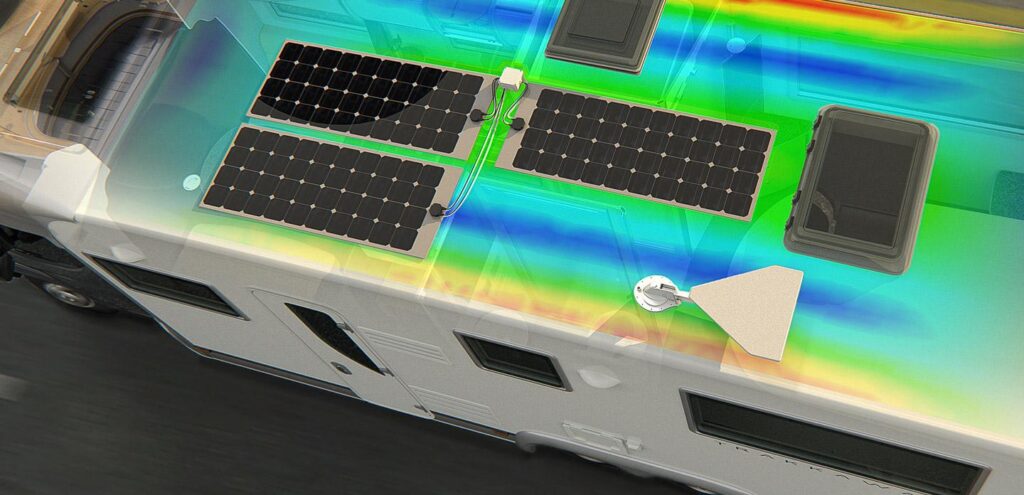
This course is designed for users who would like to become productive fast, the nonlinear course offers hands-on experience on the use of SOLIDWORKS Simulation dynamics modules. The two-day course provides an overview on a wide range of dynamic analysis topics.
SOLIDWORKS Simulation Professional Training

This 2 day course will provide an in-depth coverage on the advanced topics in Finite Element Analysis (FEA) including heat transfer analysis, frequency analysis, fatigue, stability analyisis based on the linear buckling concepts, 2D simulations and pressure vessel modulus.
SOLIDWORKS Simulation Essentials Training

This course will provide an in-depth coverage on the basics of Finite Element Analysis (FEA). covering the entire analysis process from meshing to evaluation of results for parts and assemblies.
SOLIDWORKS ROUTING: Piping & Tubing Training

SOLIDWORKS Routing – Piping and Tubing explains how to create, edit and manage Piping and Tubing routes, from the critical routing components and their design requirements to the subassemblies that contain the routes.
SOLIDWORKS Routing: Electrical Training
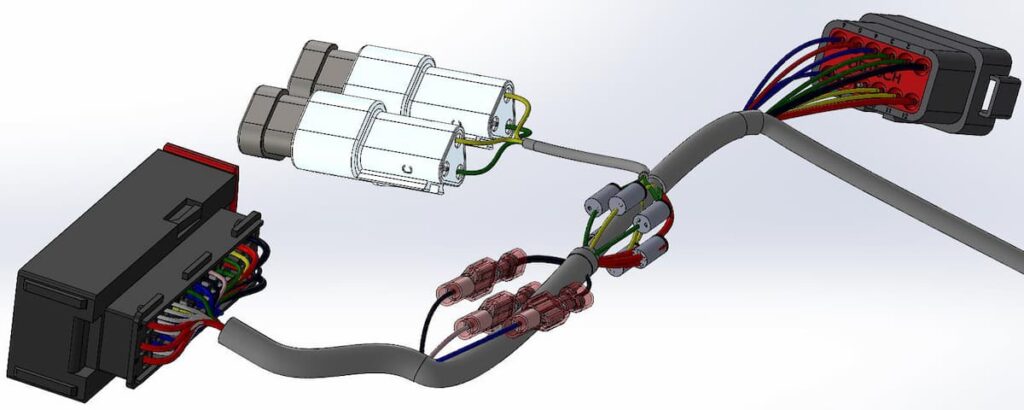
Routing – Electrical explains how to create, edit and manage Electrical routes, from the critical routing components and their design requirements to the sub-assemblies that contain the routes.
SOLIDWORKS File Management Training
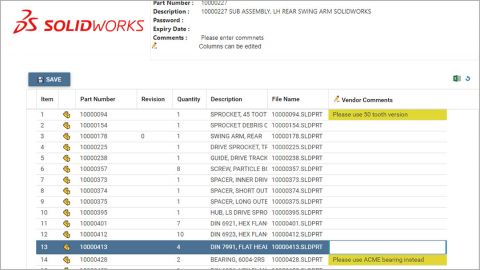
SOLIDWORKS File Management teaches you how to manage files within SOLIDWORKS. This course should be taken before any of the SOLIDWORKS PDM courses, and is also ideal for any SOLIDWORKS user not using SOLIDWORKS PDM. It includes explanations of the SOLIDWORKS file structure, file references, file associativity, and how to manage a multi-user environment.
SOLIDWORKS Inspection Training

Learn the basics of working with SOLIDWORKS Inspection to automate the process of working with inspection documents. In this course, you will work with both the add-in and standalone versions of the product.
SOLIDWORKS MBD Training
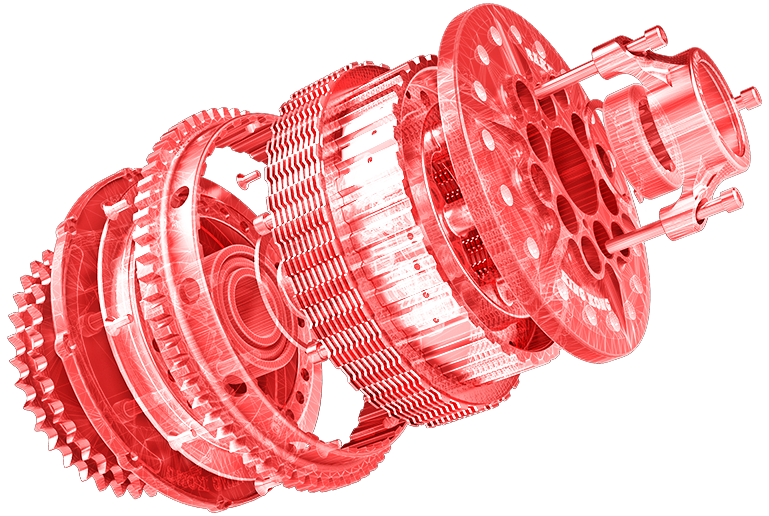
The goal of this course is to teach you how to use SOLIDWORKS Model Based Definition (MBD) to present product and manufacturing information (PMI) in a 3D PDF file. This includes the use of DimXpert and annotation views combined with the capturing and publishing of 3D views.
SOLIDWORKS Visualize Training
This course will provide an in-depth coverage of creating photorealistic renderings. With the use of case studies, you will learn the necessary commands and workflows needed to set-up, manage, and complete a rendering.