Gary Jonsson

See what our clients have to say about us and our services.
Chris Chimienti
See what our clients have to say about us and our services.
Brandon Khan
See what our clients are saying about us and our services.
James Pansino
See what our clients are saying about us and our services.
CAMWorks Turn & Mill-Turn Essentials Training Course Outline
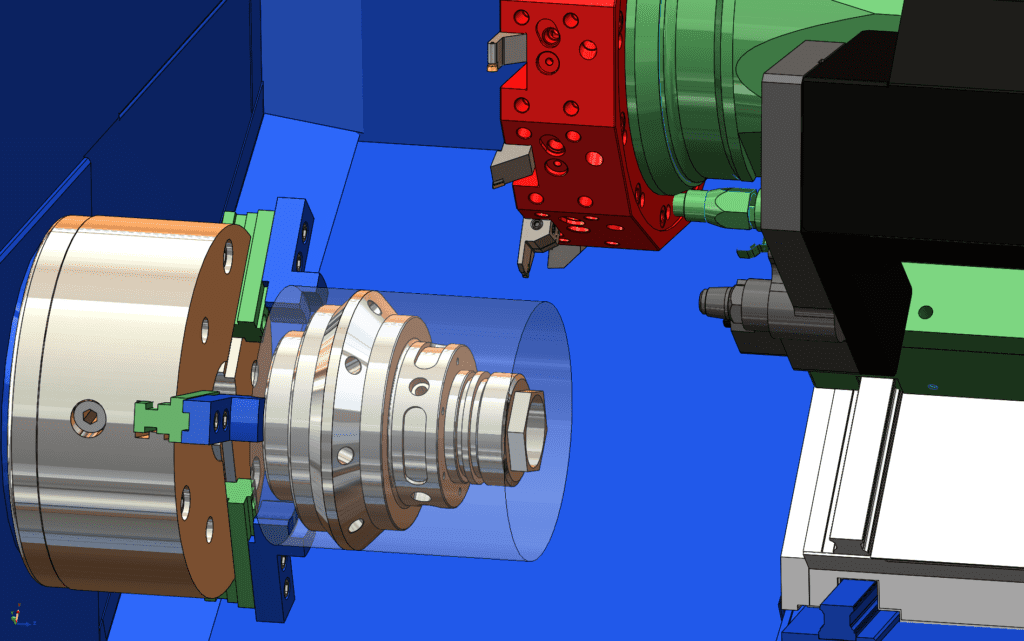
This course teaches how to leverage CAMWorks to program multi-tasking machining centers. This course will focus on how milling and turning capabilities can be used within the same machine.
CAMWorks Essentials 3 Axis Training Course Outline

This course teaches how to use the 3 Axis Milling feature in the CAMWorks software to machine complex, contoured surfaces. Users will learn the multi surface features specifically for 3 axis operations and the processes needed to post process and simulate tool paths.
CAMWorks Essentials 4 & 5 Axis Training
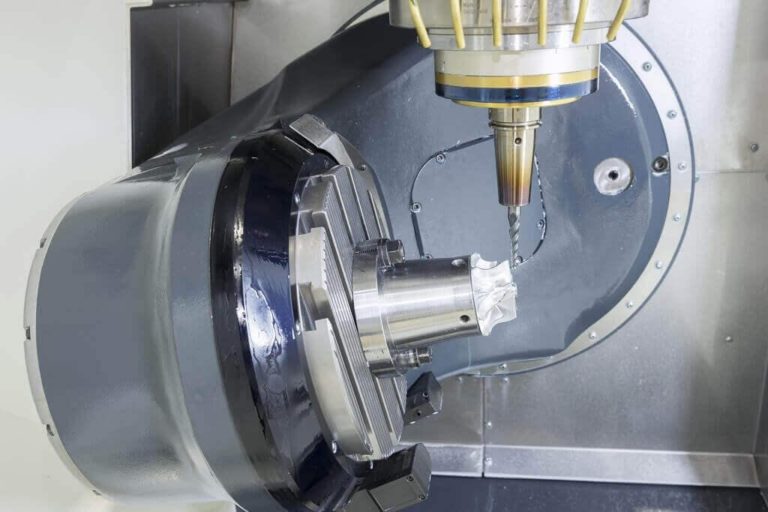
This course teaches how to use the 4 & 5 Axis Milling feature in the CAMWorks software to machine complex parts, and contoured surfaces.
Using SOLIDWORKS PDM Training

The focus of this course is on the fundamental skills and concepts central to the successful use of SOLIDWORKS PDM. The intended audience for this course is anyone who will manage files with SOLIDWORKS PDM.
SOLIDWORKS PDM API Fundamentals Training
This course teaches programmers how to use the SOLIDWORKS PDM API (Application Programming
Interface) to automate and customize SOLIDWORKS
PDM. The focus of this course is on the fundamental skills and concepts needed to begin using the API to develop applications that can interact with SOLIDWORKS PDM.
SOLIDWORKS CAM Professional Training

This course teaches how to use the SOLIDWORKS CAM Professional software to machine parts utilizing advanced functionality such as: CAM or SOLIDWORKS configurations, VoluMill, mill machining in the context of an assembly, and 3 + 2 machining. The course also teaches how to generate, modify and post process 2 axis turning toolpaths used for the machining of SOLIDWORKS part files.