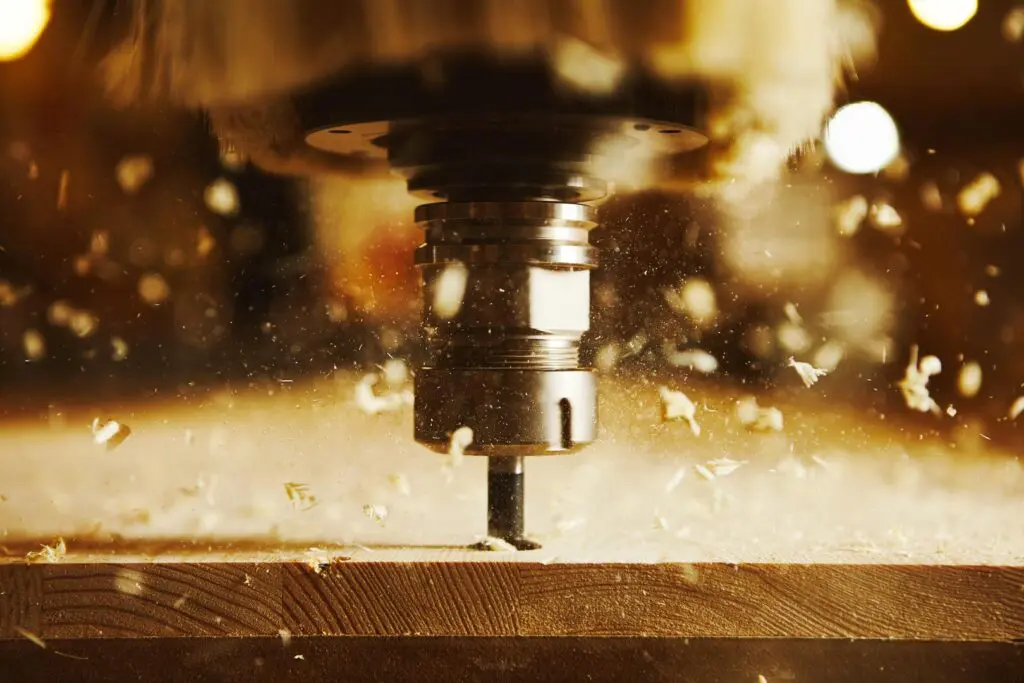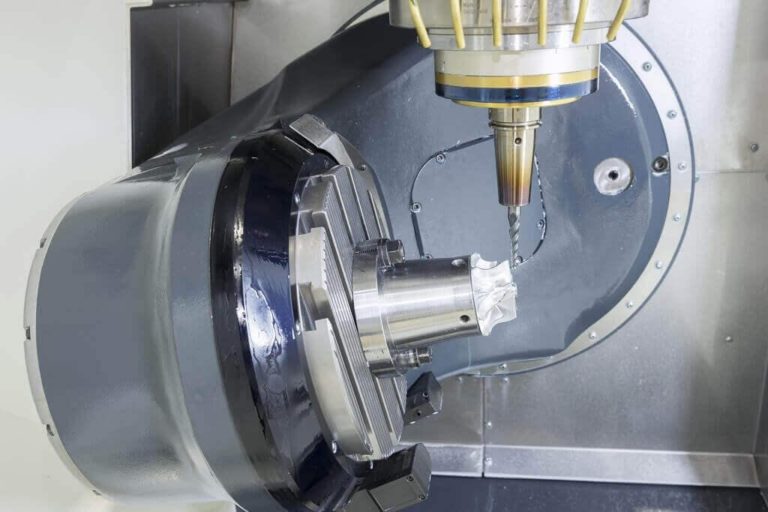
Top 5 CAMWorks Features

CAMWORKS Promotion hero banner

If you’re using CAMWorks for your CNC programming, you already know it offers tight integration with SOLIDWORKS and powerful automation tools. But even experienced users often miss out on some of its most productivity-boosting features – hidden gems that can save hours of time, reduce errors, and improve machining efficiency.

Here are 5 underrated CAMWorks features that could make a big impact in your workflow if you’re not using them already.
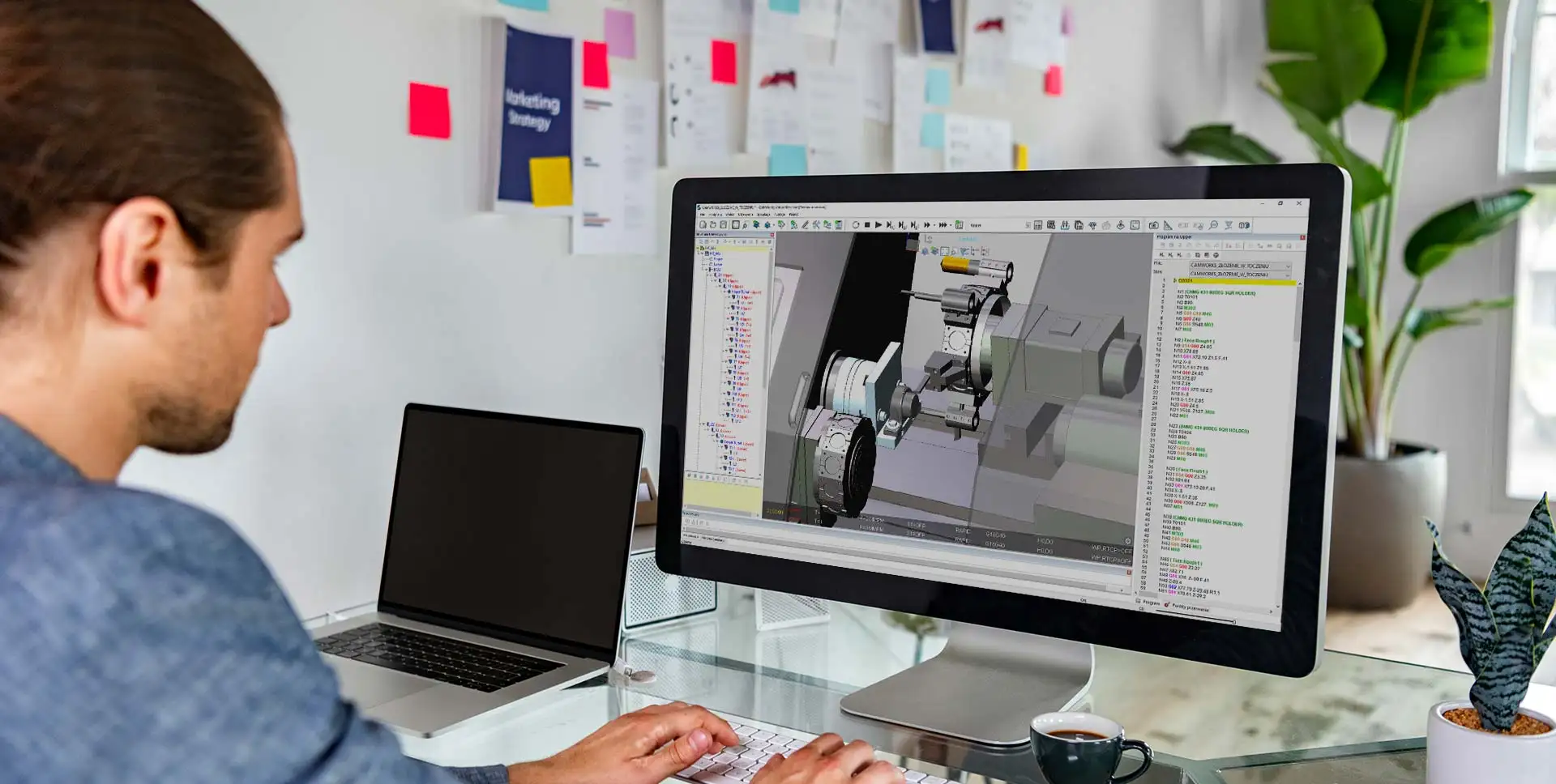
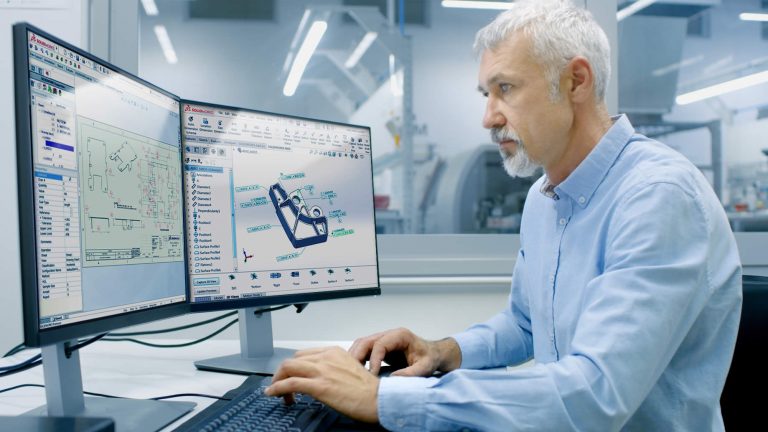
Future Trends in CAM Technology

CAMWorks-programming

The world of Computer-Aided Manufacturing (CAM) is evolving rapidly, driven by technological advancements and the increasing demand for efficiency and precision in manufacturing processes. As we look ahead, several key trends are poised to reshape the CAM landscape. In this blog, we’ll explore these future trends and highlight how CAMWorks is at the forefront of these innovations.

Exclusive SOLIDWORKS Savings this Quarter

solidworks premium package

Are you looking to upgrade your SOLIDWORKS software or add new capabilities to your design toolkit? This quarter, CAD Micro is offering several exciting promotions that can help you save significantly on your SOLIDWORKS investment. Here’s a rundown of the best ways to take advantage of these offers:

Adding Stock Materials in Solidworks CAM and CAMWorks

CAMWorks-programming

If you’ve used Solidworks CAM or CAMWorks, you’re likely familiar with the various stock materials that are available by default with the software. This material selected for stock can be used to drive the feeds and speeds in a manufacturing program. So what do you do if the material you are using isn’t available in the default material list?

SWOOD Design Training Course Outline

3D modelled Kitchen designed using SWOOD Eficad Software

The course enables students to automate furniture design using a set of features dedicated to wood and panel processing. This course will teach you how to build a library of panels, frames, and connectors. SWOOD design makes furniture design automation possible via SWOOD smart assemblies (known as SWOODBox) that lets the user quickly create new designs with all the required manufacturing detail, by using simple drag and drop from your library.

SWOOD CAM Training Course Outline

SOLIDWORKS SWOOD CAM

The course enables students to learn the SWOOD CAM interface and best practices. More specifically, users will learn to create machine tools and aggregates, program machinable features both automatically and interactively, and learn 4th and 5th axis programming. In addition, training items include toolpath simulation, post processing, generating shop reports, and SWOOD CAM Nesting capabilities (another module).

CAMWorks Essentials 3 Axis Training Course Outline

This course teaches how to use the 3 Axis Milling feature in the CAMWorks software to machine complex, contoured surfaces. Users will learn the multi surface features specifically for 3 axis operations and the processes needed to post process and simulate tool paths.