SOLIDWORKS MBD Training

The goal of this course is to teach you how to use SOLIDWORKS Model Based Definition (MBD) to present product and manufacturing information (PMI) in a 3D PDF file. This includes the use of DimXpert and annotation views combined with the capturing and publishing of 3D views.
SOLIDWORKS Visualize Training

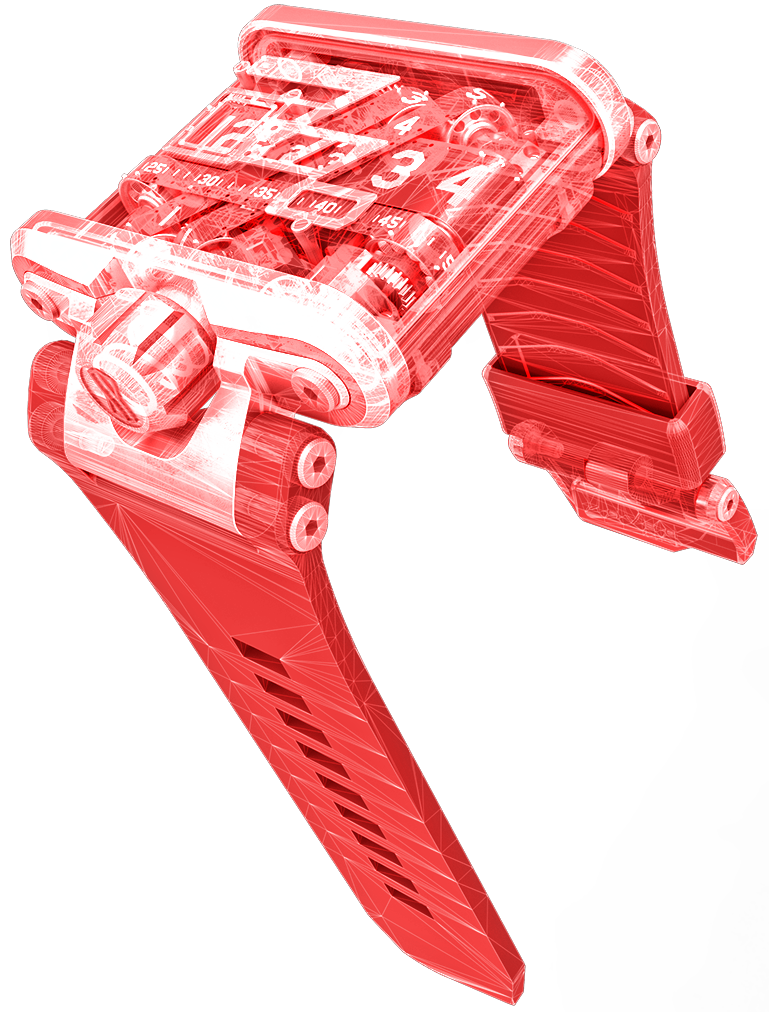
This course will provide an in-depth coverage of creating photorealistic renderings. With the use of case studies, you will learn the necessary commands and workflows needed to set-up, manage, and complete a rendering.
SOLIDWORKS Advanced Drawings Training

This course will provide an in-depth coverage of making advanced drawings of SOLIDWORKS parts and assemblies.
SOLIDWORKS API Training

API Fundamentals teaches you how to use the SOLIDWORKS API (Application Programming Interface) to automate and customize SOLIDWORKS.
SOLIDWORKS Mold Design Training

Learn several manual mold creation techniques and how to use the Mold Tools included with SolidWorks standard software.
SOLIDWORKS Weldments Training

Learn how to use SolidWorks to create welded structures with standard structural members. Weld beads are also covered.
SOLIDWORKS Sheet Metal Training

Learn how to build standalone sheet metal parts, convert parts to sheet metal, and create parts in the context of an assembly.
SOLIDWORKS Surface Modeling Training

Learn how to build free form shapes, repair imported geometry, use surface to create complex features in SolidWorks.
SOLIDWORKS Assembly Modeling Training

Assembly Modeling teaches students how to maximize their use of the assembly modeling capabilities of SolidWorks mechanical design automation software.
SOLIDWORKS Advanced Part Modeling Training

Learn how to use multibody solids, sweeping and lofting features, and the more advanced shaping capabilities of SolidWorks.